
LoongBuy
Spreadsheet
A closer look at your next find.
Browse the LoongBuy spreadsheet by item, brand or photo. Compare product details and available QC, then open the original listing on LoongBuy.
Worth a closer look
Spreadsheet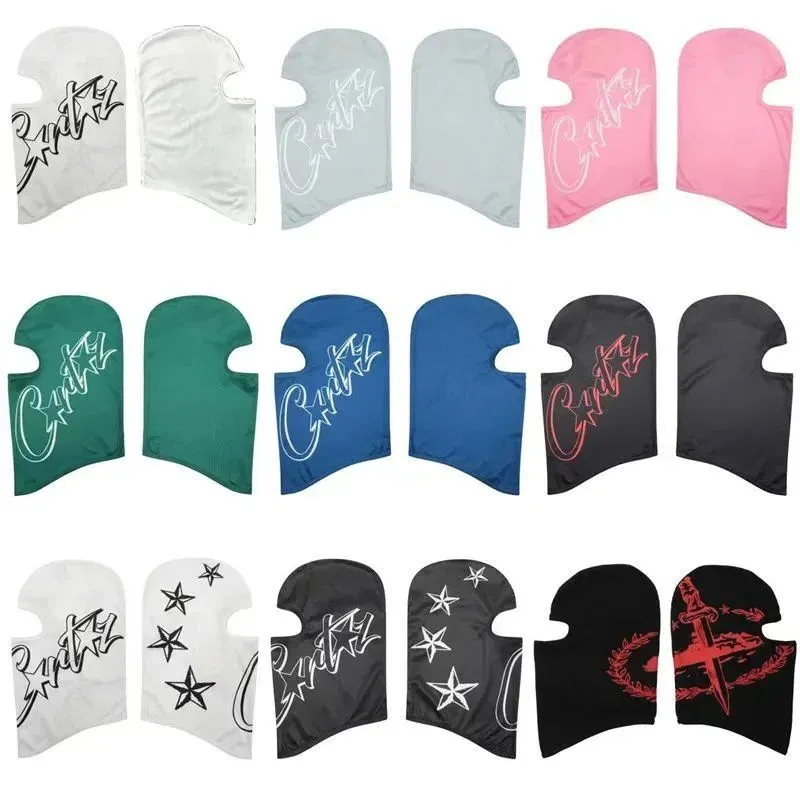
Corteiz Face Mask
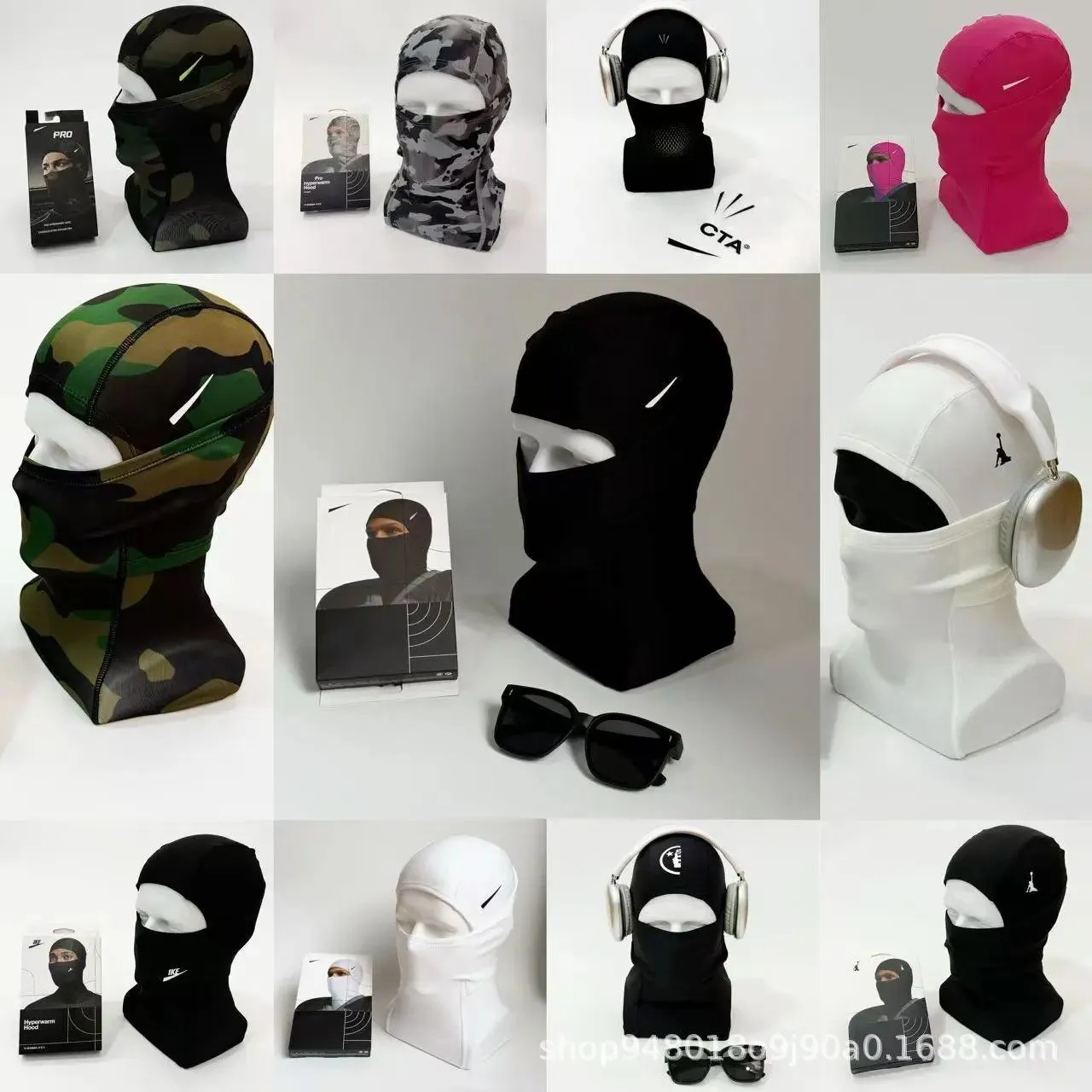
Balaclava Face Mask
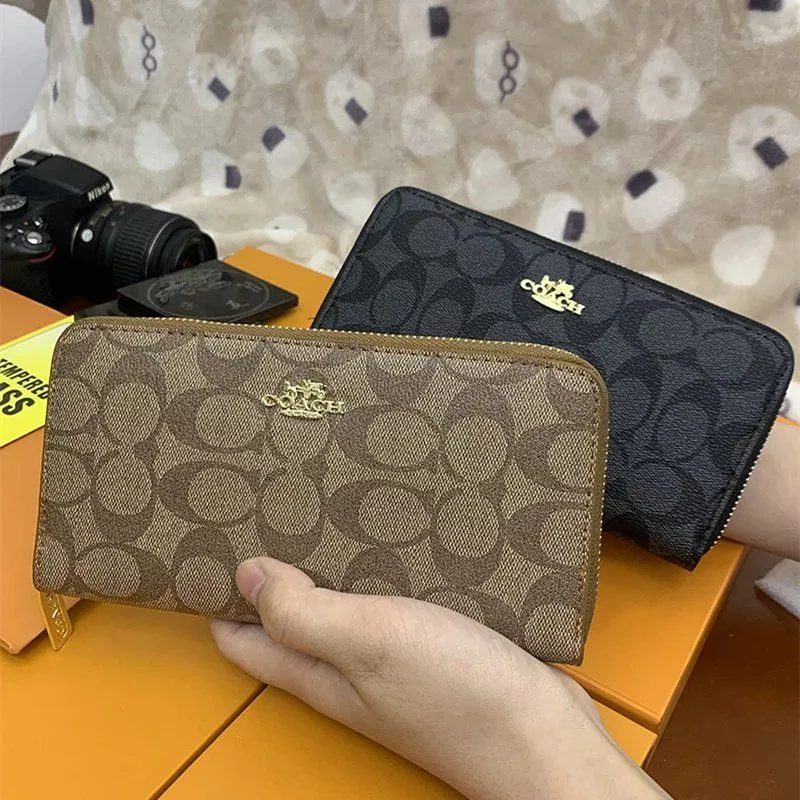
Coach Signature Zip-Around Wallet
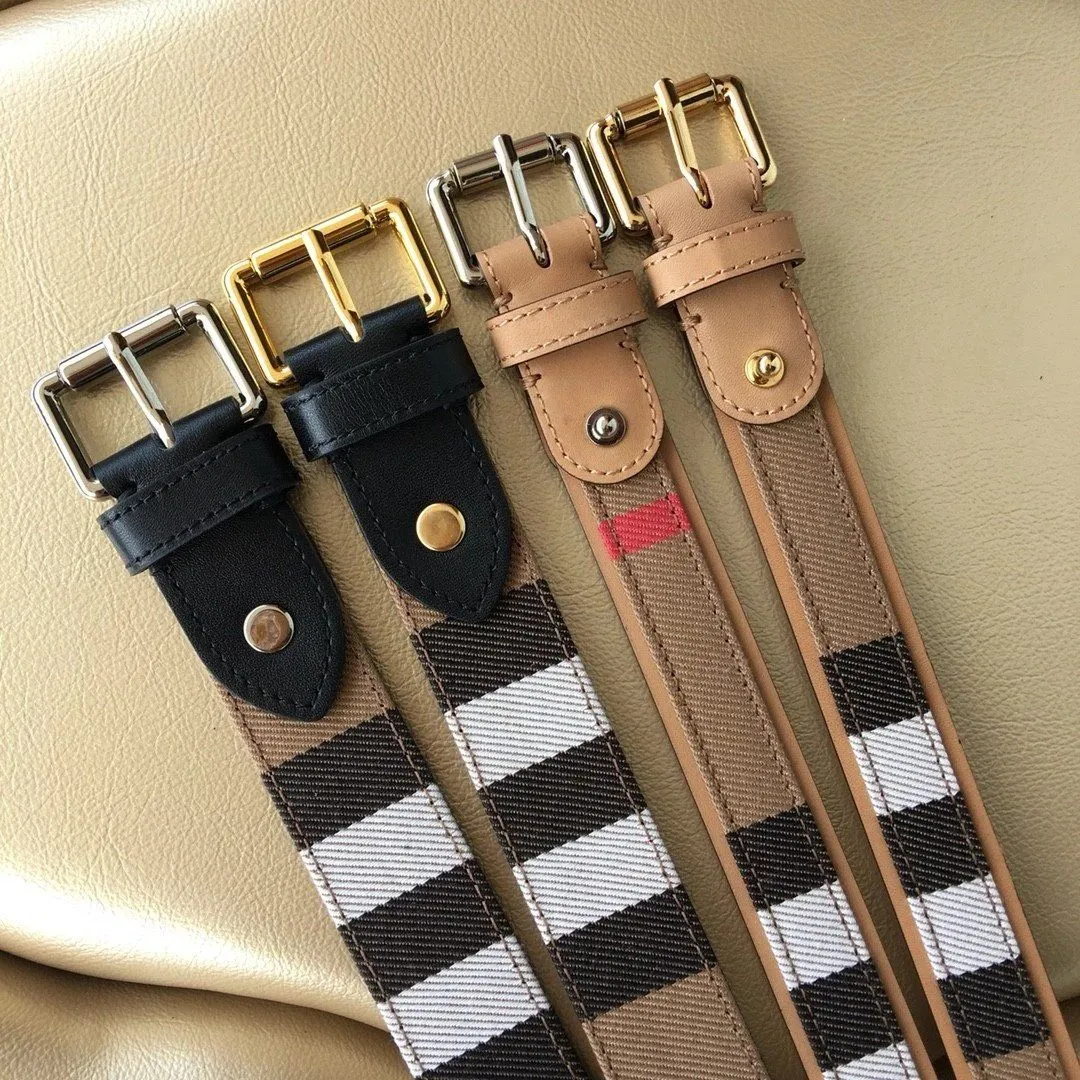
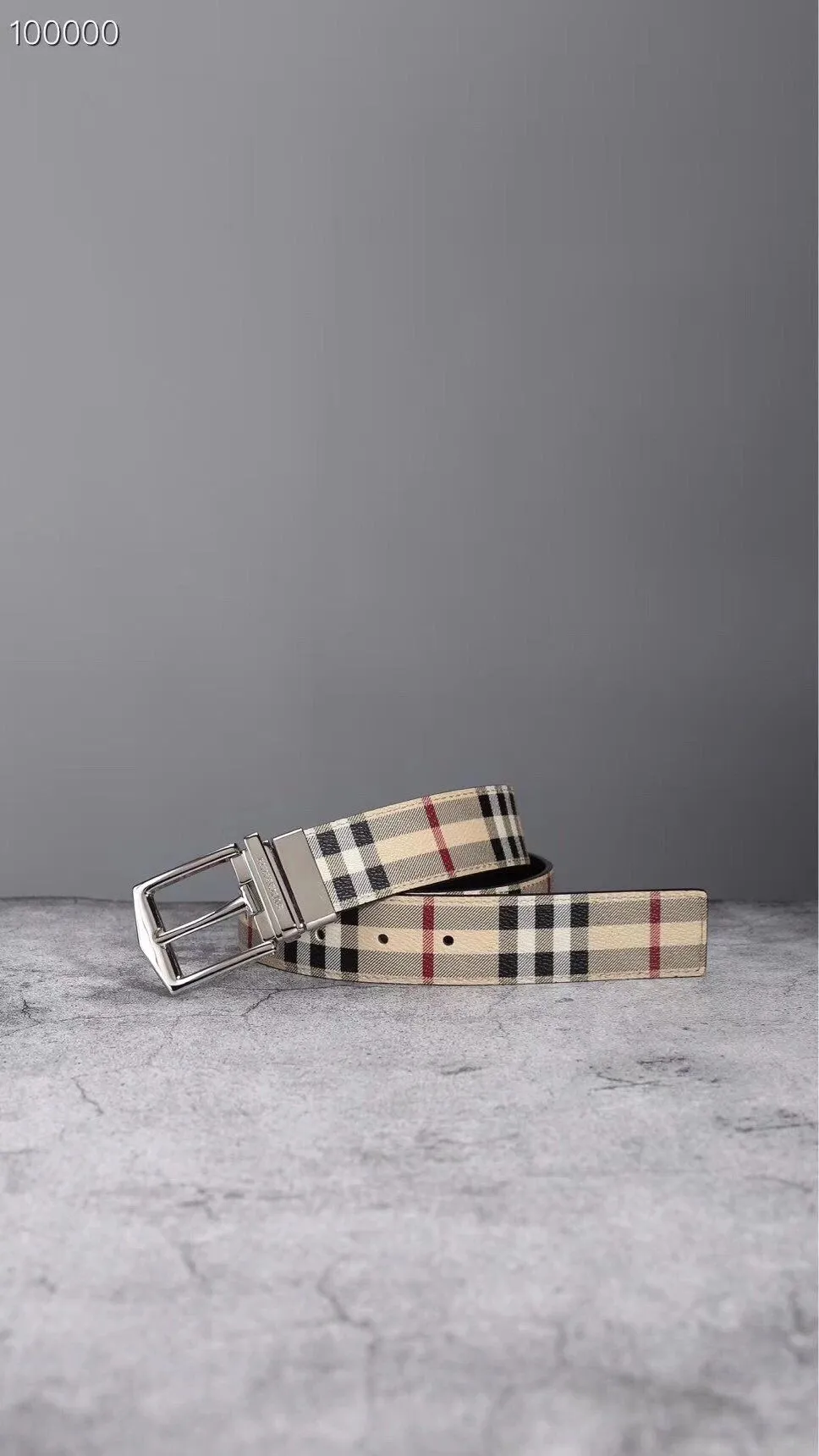
Burberry Check Pattern Belt
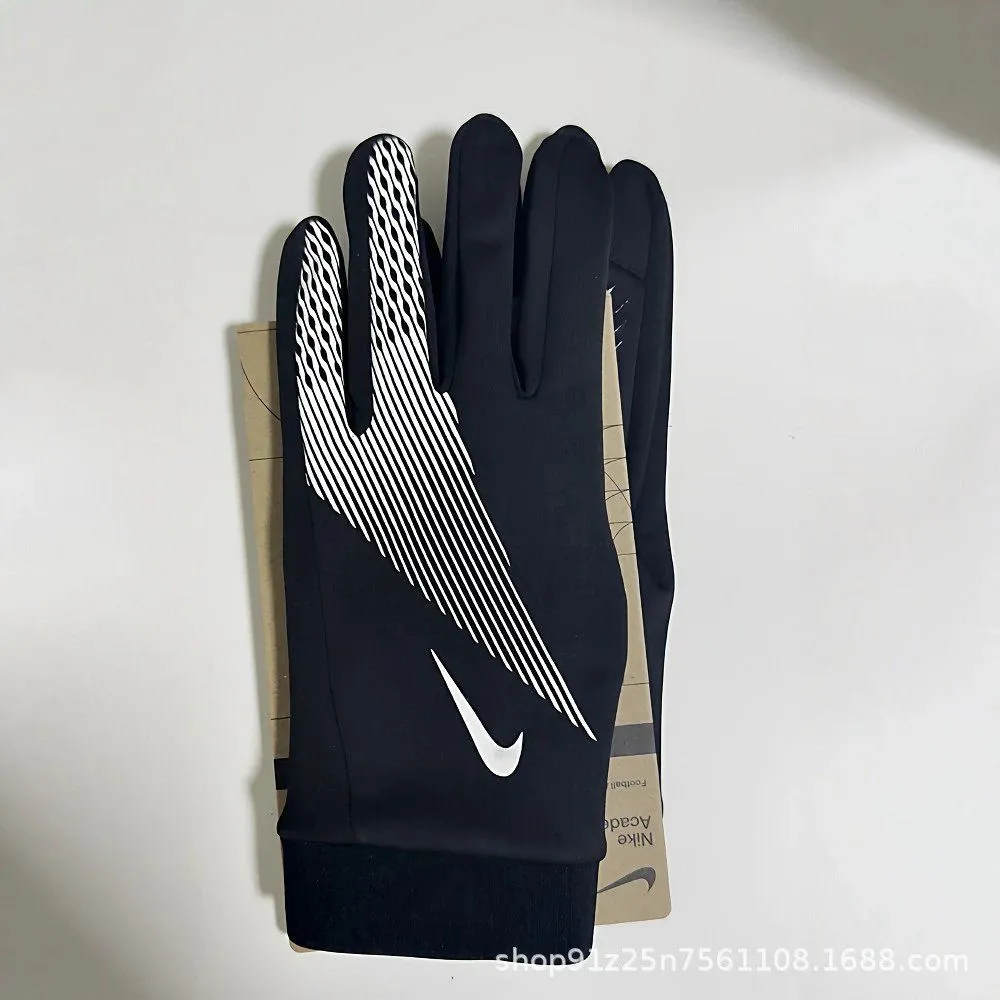
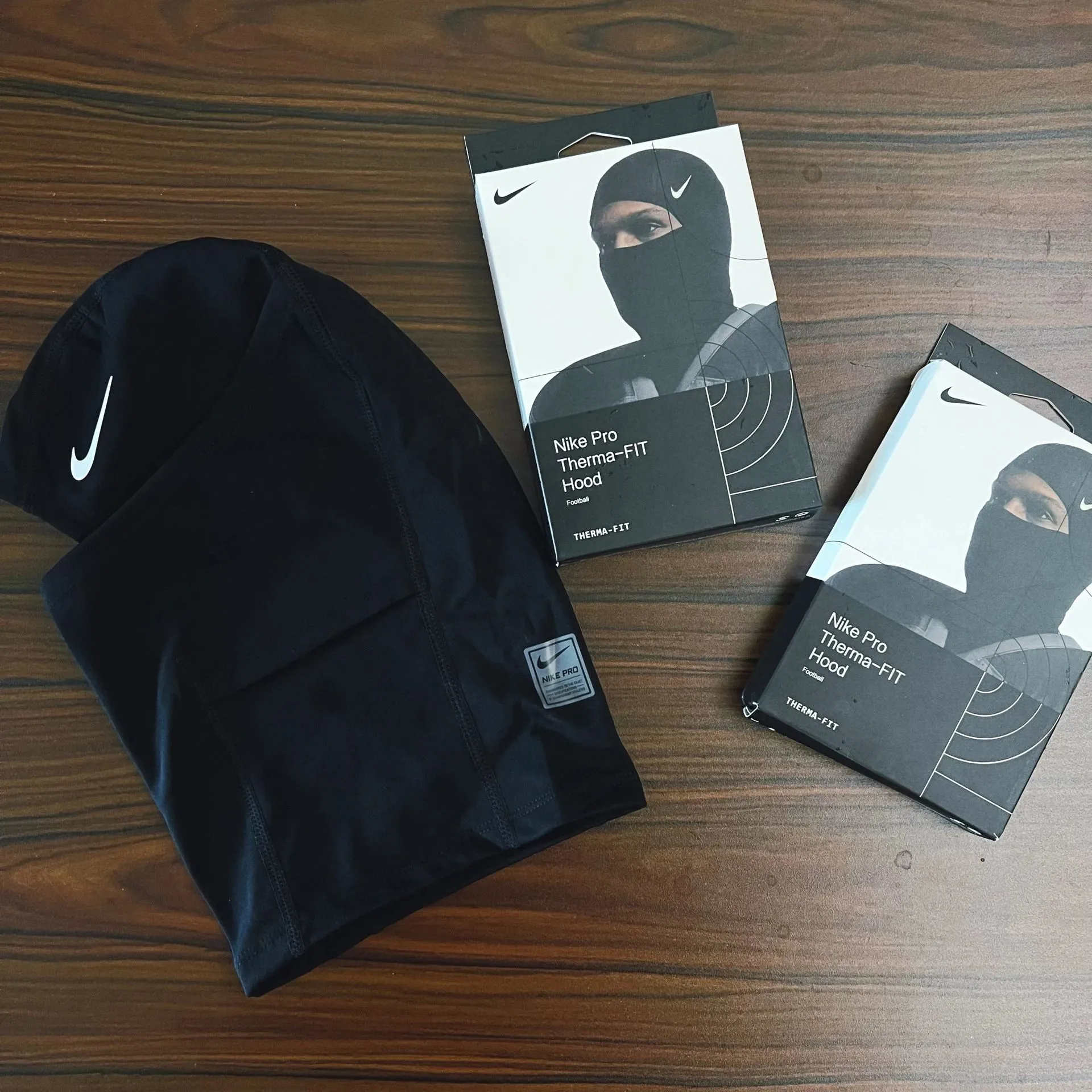
Black Nike Football Gloves
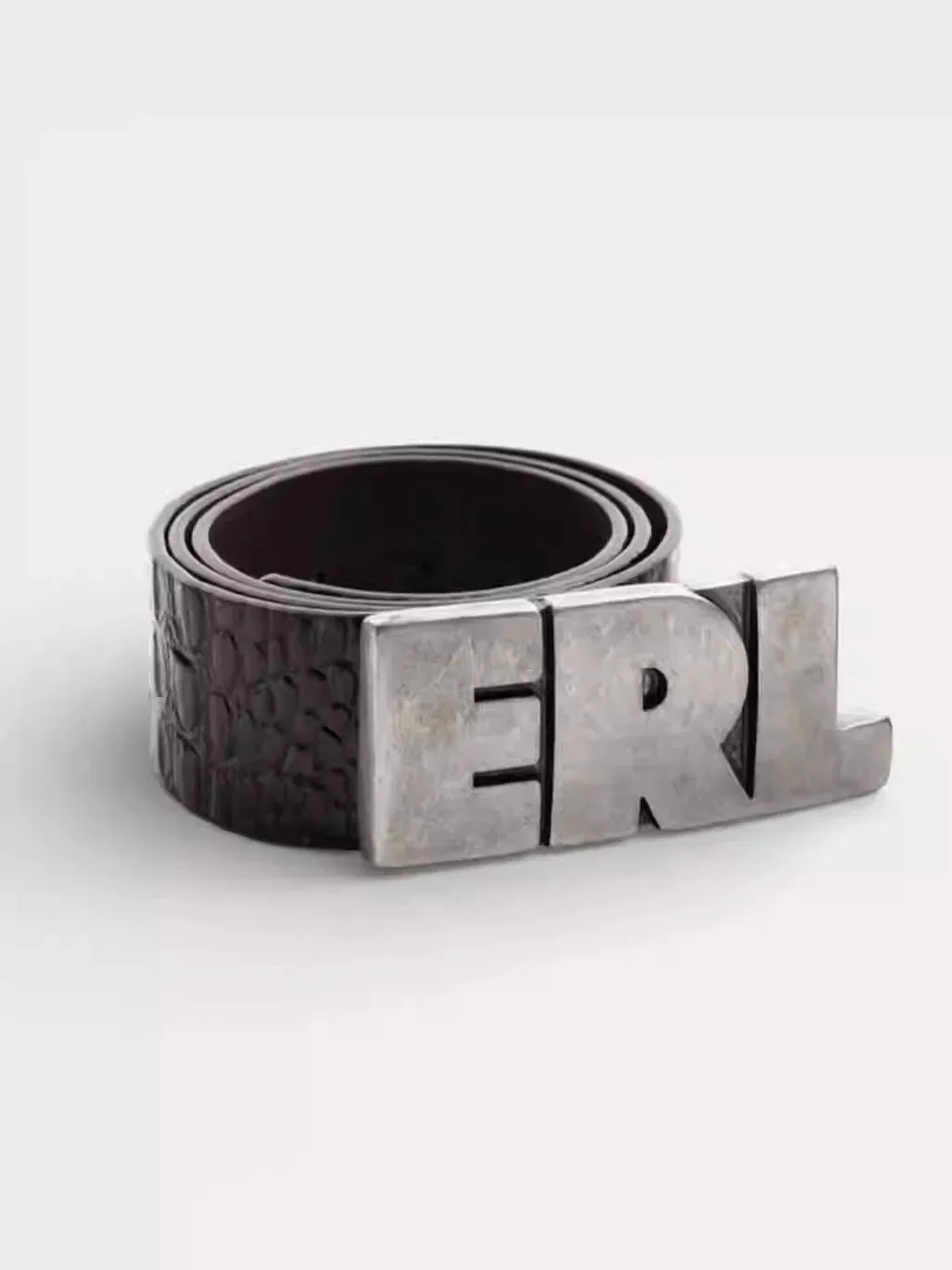
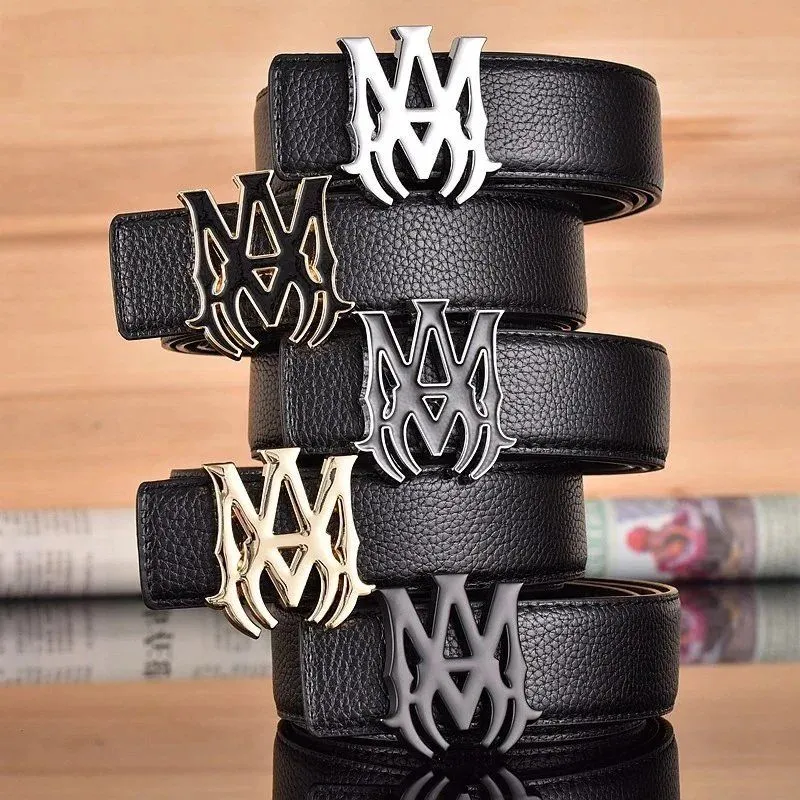
Black Crocodile Texture Belt with ERL Buckle
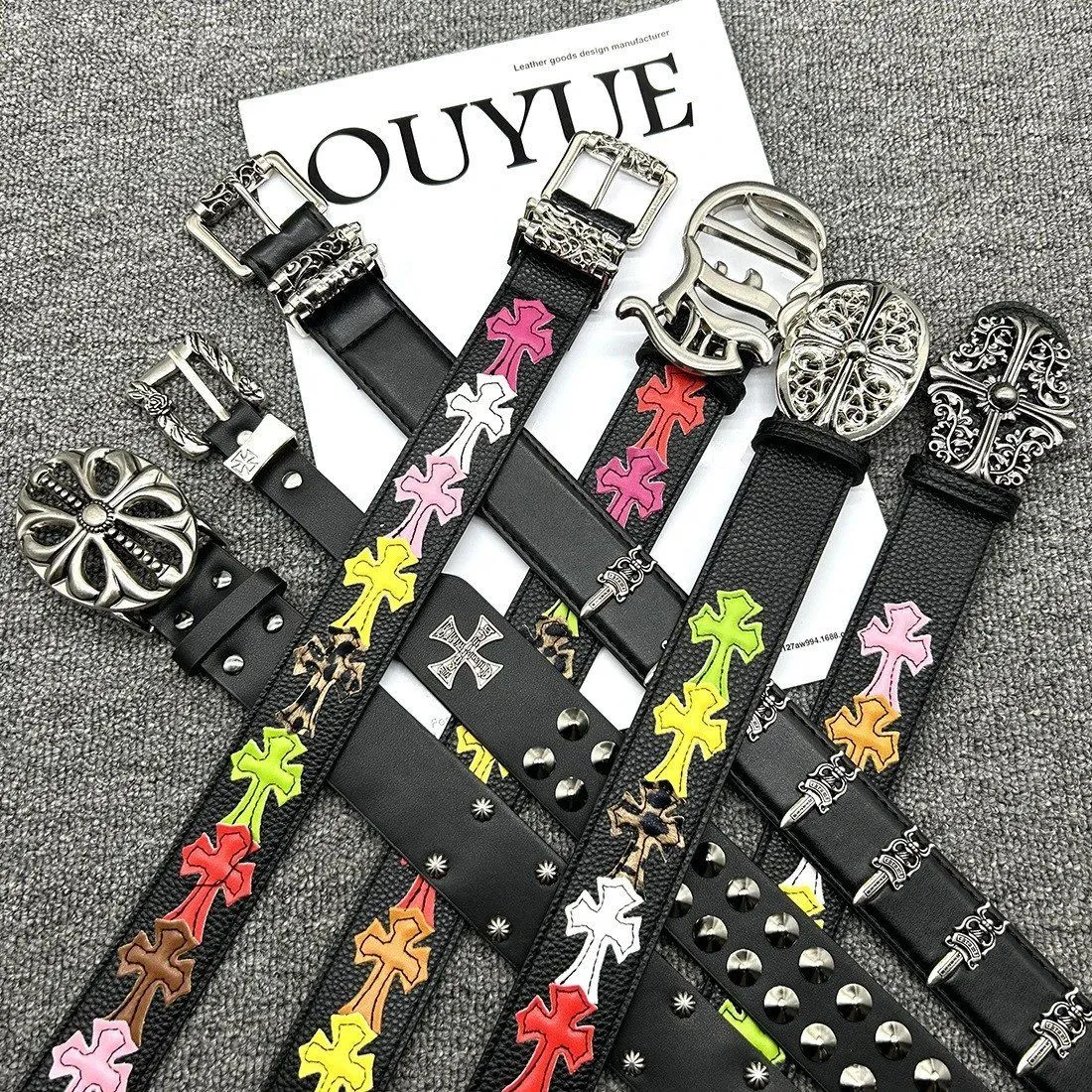
Cross Embellished Leather Belts
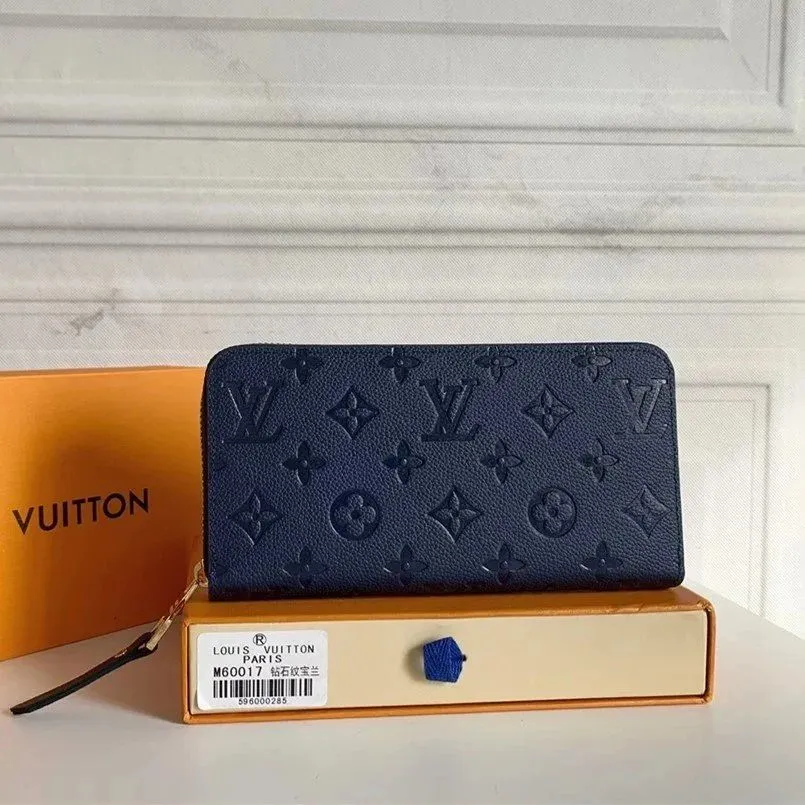
Louis Vuitton Monogram Embossed Wallet
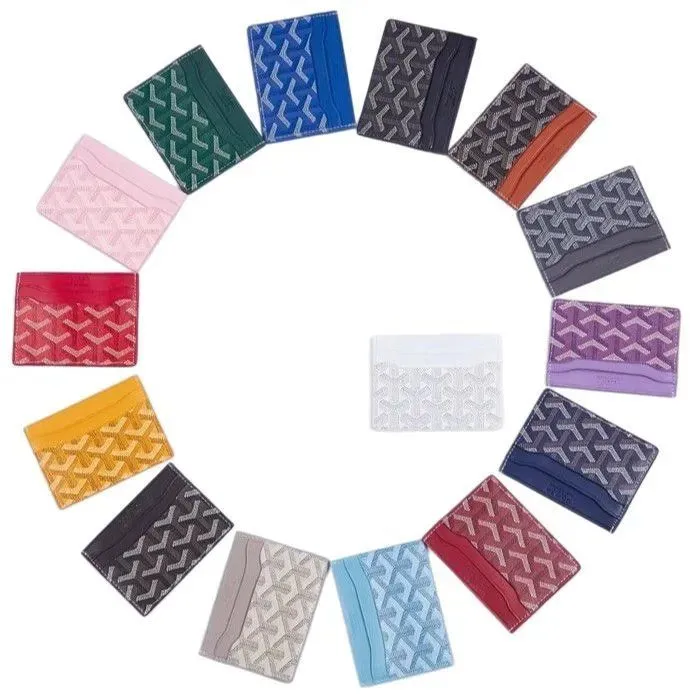
Goyard Card Holder Wallet
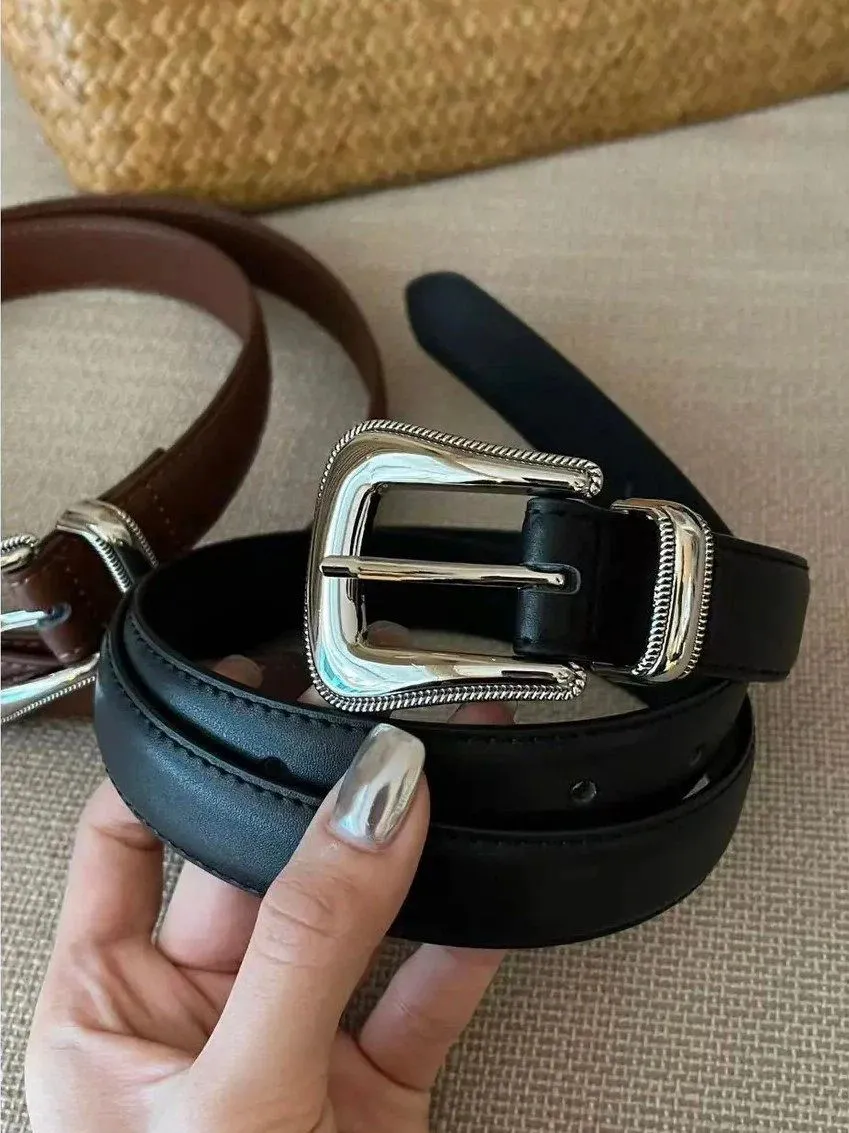
Black Leather Belt with Silver Buckle
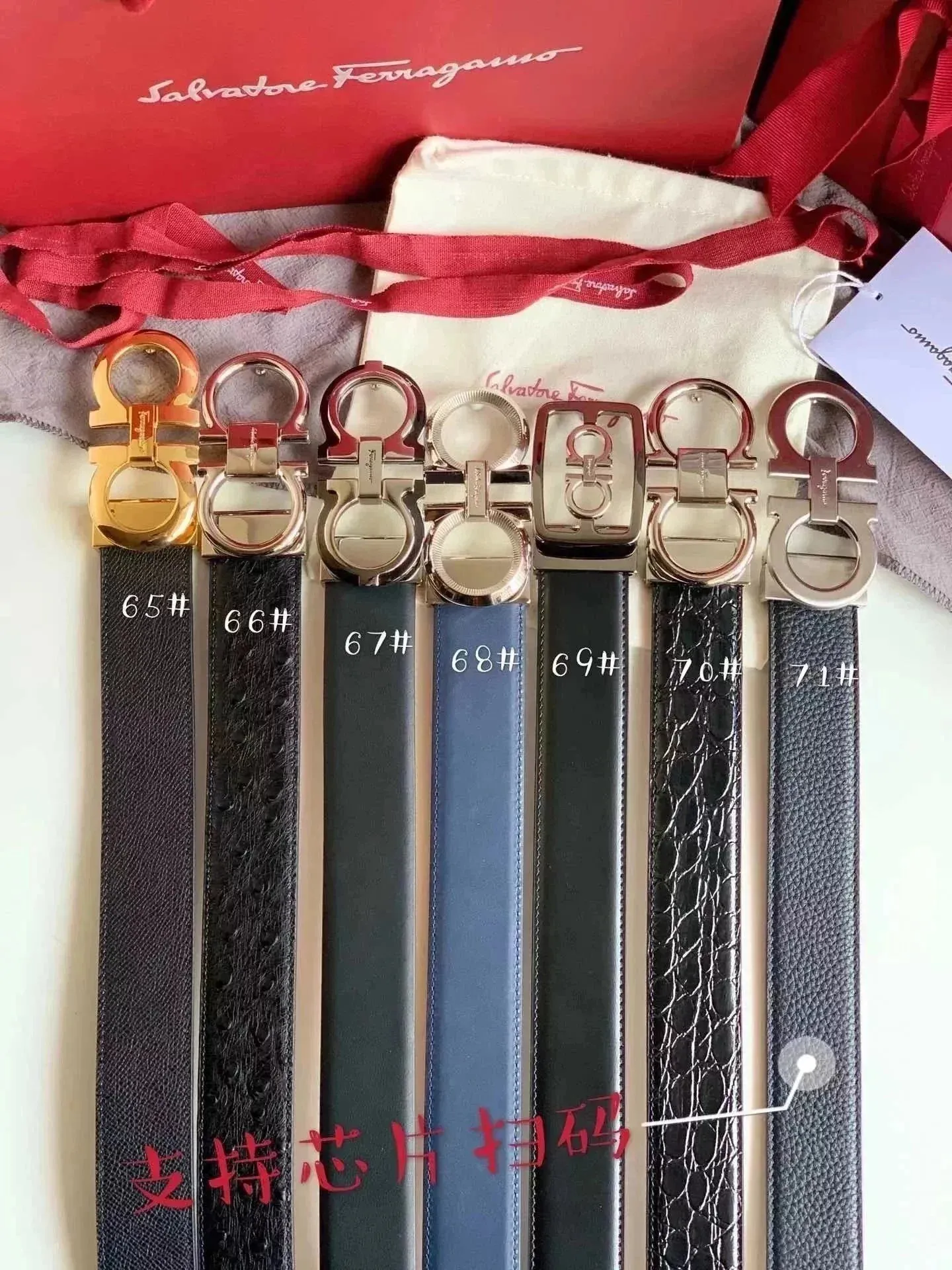
Ferragamo Men's Leather Belts
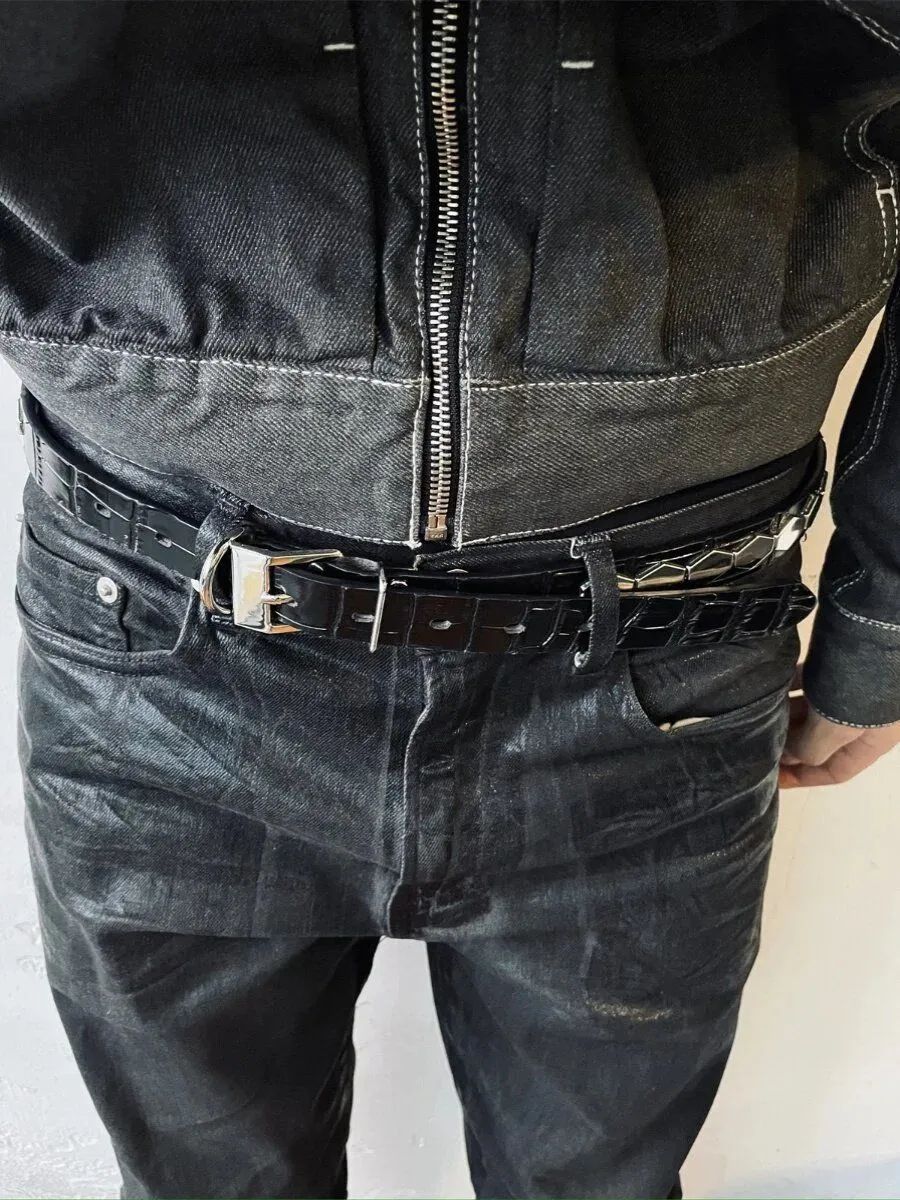
Black Leather Belt with Silver Buckle
Explore by department
Start with an item type, then choose a focused collection. Each department keeps its related categories together.
Shoes
Compare sneakers, casual pairs and boots. Look through the gallery for the toe shape, panels and sole before checking the destination size options.
Tops
Find tees, shirts, knitwear and hoodies in focused collections. Use the model or print in your reference to narrow the list.
Bottoms
Browse jeans, trousers and shorts separately. Compare pocket placement and cut in the pictures, then check the actual listing measurements.
Outerwear
Explore jackets, coats and warm layers. Open several photos to compare collars, closures and lining rather than relying on the cover image.
Sets
Browse coordinated pieces together. Check whether the destination option includes a complete set or a single piece.
Underwear
Explore socks and everyday base layers. Confirm the colour, quantity and multipack contents on the destination page.
Accessories
Find bags, belts, hats and smaller accessories. Full-size photos help compare proportions and hardware; check dimensions on the listing.
Electronics
Search devices and accessories by model. Compare ports and connections, then confirm compatibility in the destination specifications.
Other
Explore everyday objects beyond clothing. Check the photos, dimensions and included pieces before continuing with a find.
Questions about LoongBuy finds
Search the finds, compare the photos, open the source.
Explore by category
How do I use this LoongBuy spreadsheet?
Search for a name or choose a department, then open a find to compare its product photos, reference price and available QC. The LoongBuy button takes the original item link into the agent’s product page.
Can I find something from a photo?
Open image search and choose, drop or paste a clear photo. Compare the shape and visible details of the returned finds; visual similarity alone does not establish that two listings are the same item.
How can I narrow a long list?
Choose a category and brand, then use sorting to compare prices or recent additions. Your search and selected filters stay in the address when you move between result pages.
What should I compare in the pictures?
Look at construction, proportions, print placement and hardware across several angles. Open a photo to inspect it at a larger size, and compare the same style where possible.
Questions about LoongBuy finds
Are the QC photos from my own order?
No. These are available reference photos associated with the listed item. Your own warehouse inspection happens through LoongBuy after ordering; a reference photo cannot guarantee the condition of a future purchase.
Does clicking a style select it for an order?
Style thumbnails only change the photo preview here. Choose and check the actual colour, size and quantity on the LoongBuy product page before placing an order.
Why can the price differ on LoongBuy?
Spreadsheet prices are references, and currency conversion can change their display. Confirm the selected option and its current price on the destination product page.
How do the LoongBuy links work?
Each supported find keeps its original source URL and item ID when opened in LoongBuy. Our registration and purchase links include a referral code; this is an independent discovery site.
Can I keep the original seller link?
Use the copy link control in a supported product’s details. The copied source URL is useful for checking the item ID or reopening the same seller listing later.
Where do I manage an order or ask for help?
Registration, option selection and order management happen on LoongBuy. Contact LoongBuy about an order and include the relevant order reference; this spreadsheet does not manage accounts or parcels.